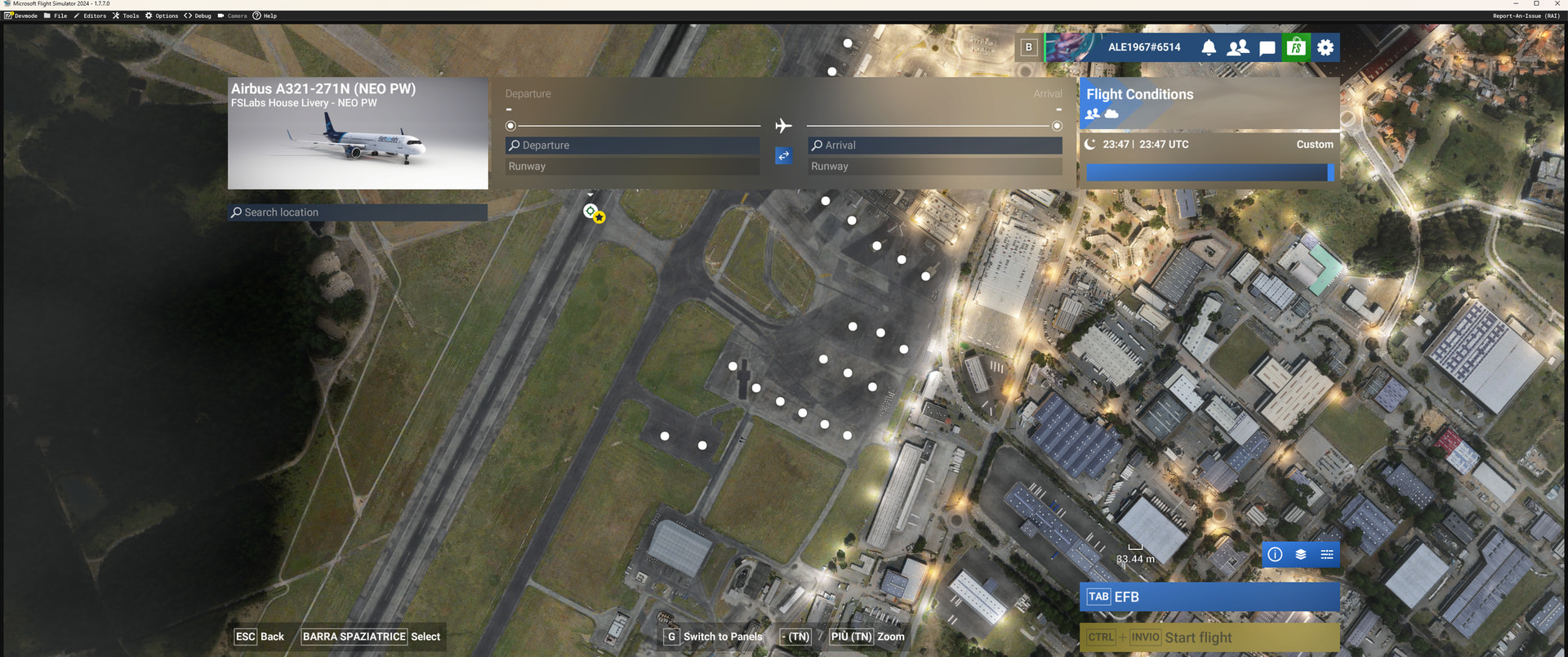
Hi guys, I wanted to rent an A321neo but it doesn’t recognize it. Can you fix it? Thanks.
AleItaly1967
Hi guys, I wanted to rent an A321neo but it doesn’t recognize it. Can you fix it? Thanks.
AleItaly1967
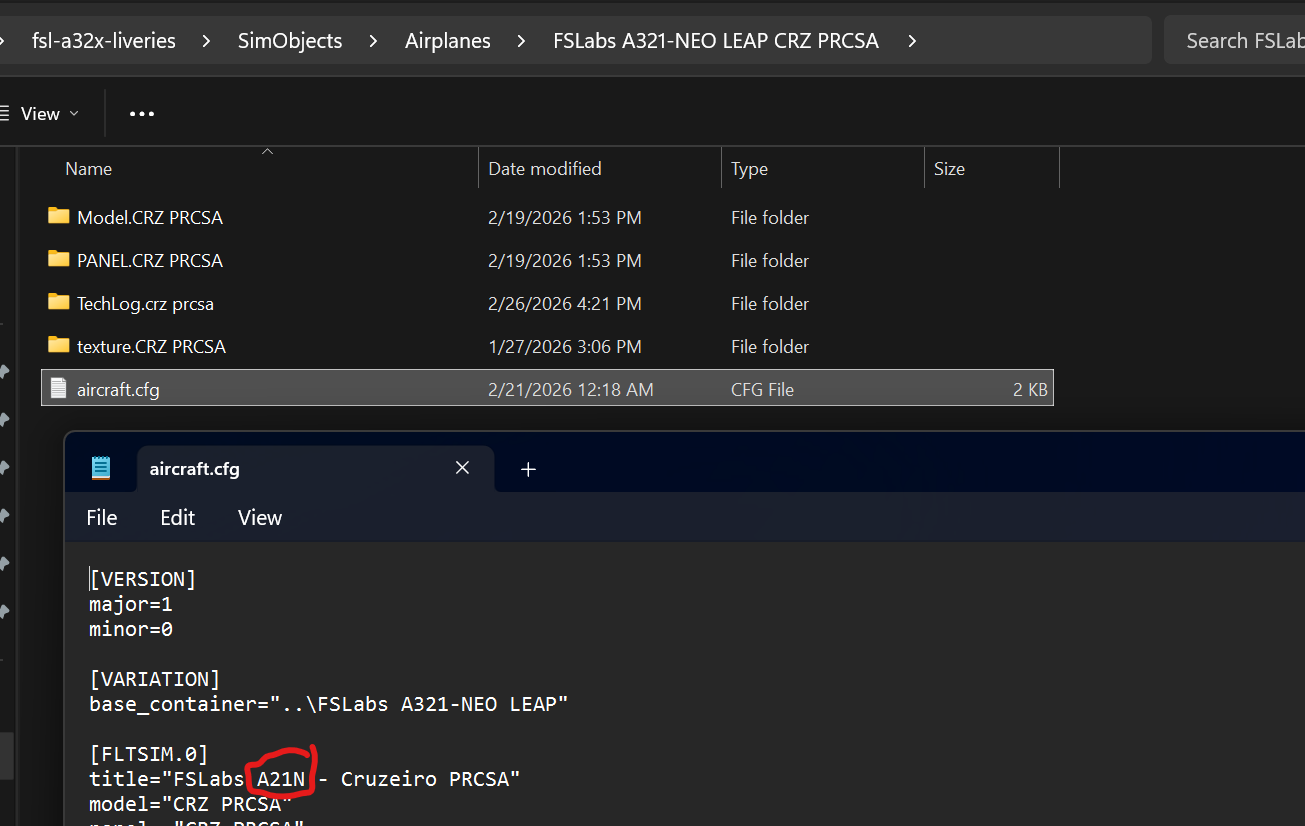
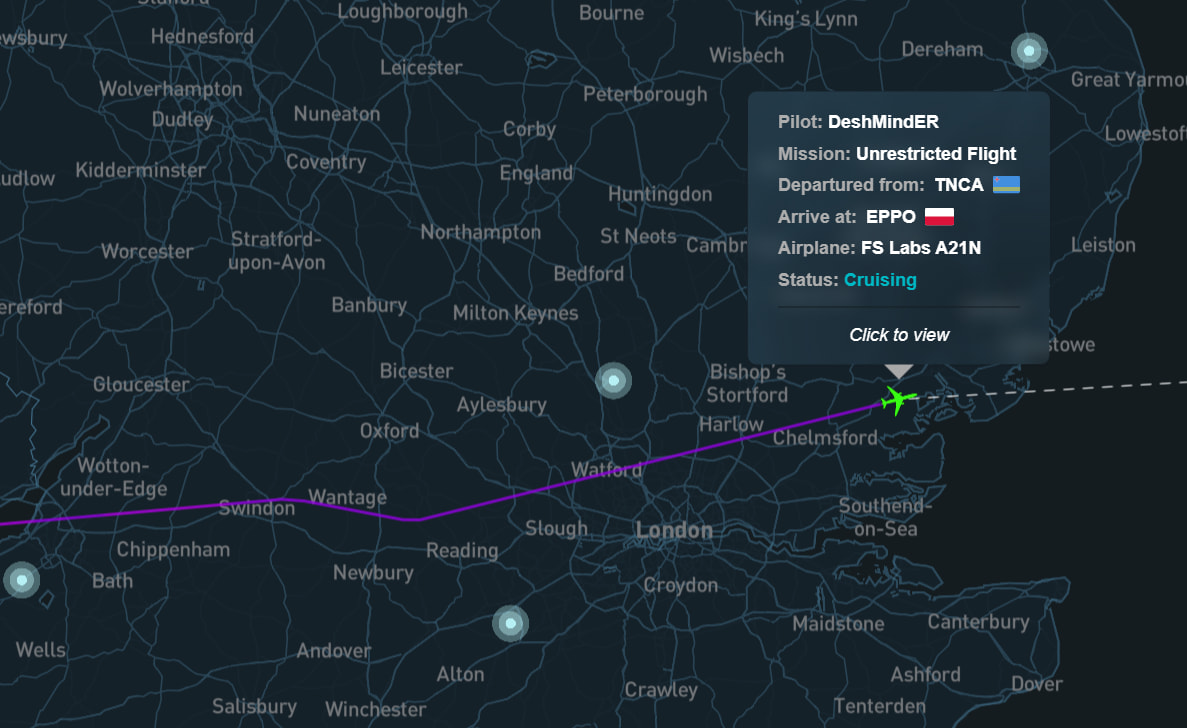
Obviously it’s not the fix that you are looking for, however, download a livery from Flightsim.to that has the aircraft.cfg . Change the name from the A321-271N to A21N and Simfly will let you fly it.
Ok thanks, but do I have to change the name inside the aircraft.cfg file?
AleItaly1967
Yes, just bear in mind, that when you run the FSLabs Json Configurator it will overwrite the file again.
have 2 ways.
Option 1:
If isnt from xbox(pc version) you can changelog the name of the airplane 21neo, but i dont know how to help you with that cause ive the xbox version(pc).
Option 2: Wait for the new launcher that Roberto and Crew said will release soon. And its 1.3 launcher i think its arriving soon(that will recognize a lot of versions of msfs24)
Cause ive same problem
I made the A21N modification, now it recognizes it.
AleItaly1967
Great! I’m happy it worked for you.
Hi, I have the same problem again, I tried to fly twice with Flightsimlabs a321neo a321-251NX LEAP-32, I downloaded and installed a livery, and modified the aircraft.cfg as you explained to me some time ago A21N, but unfortunately Simfly does not recognize it, why?
AleItaly1967
Ok I’ll look for the 1.3.0 download and I’ll go back too
AleItaly1967