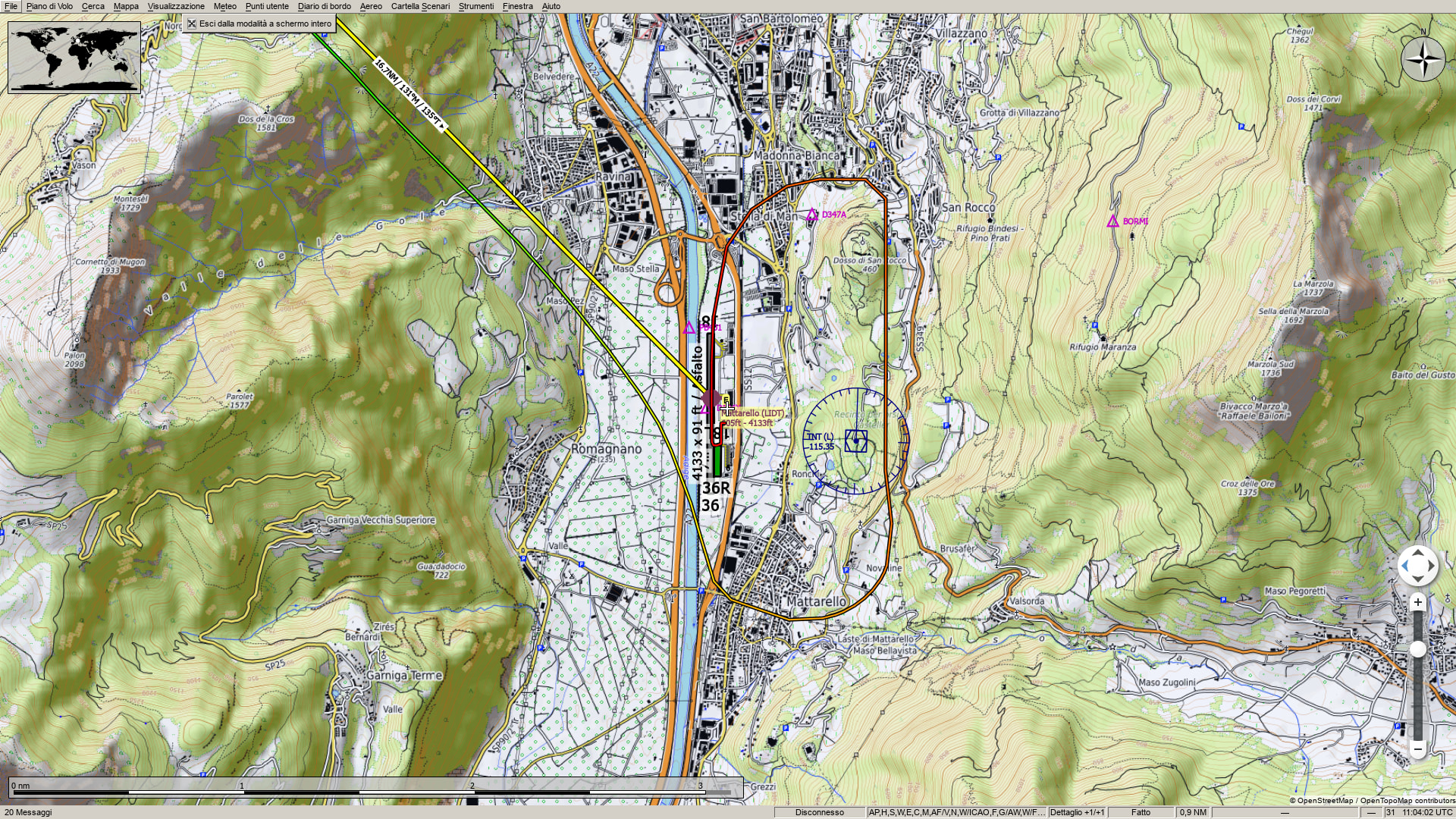
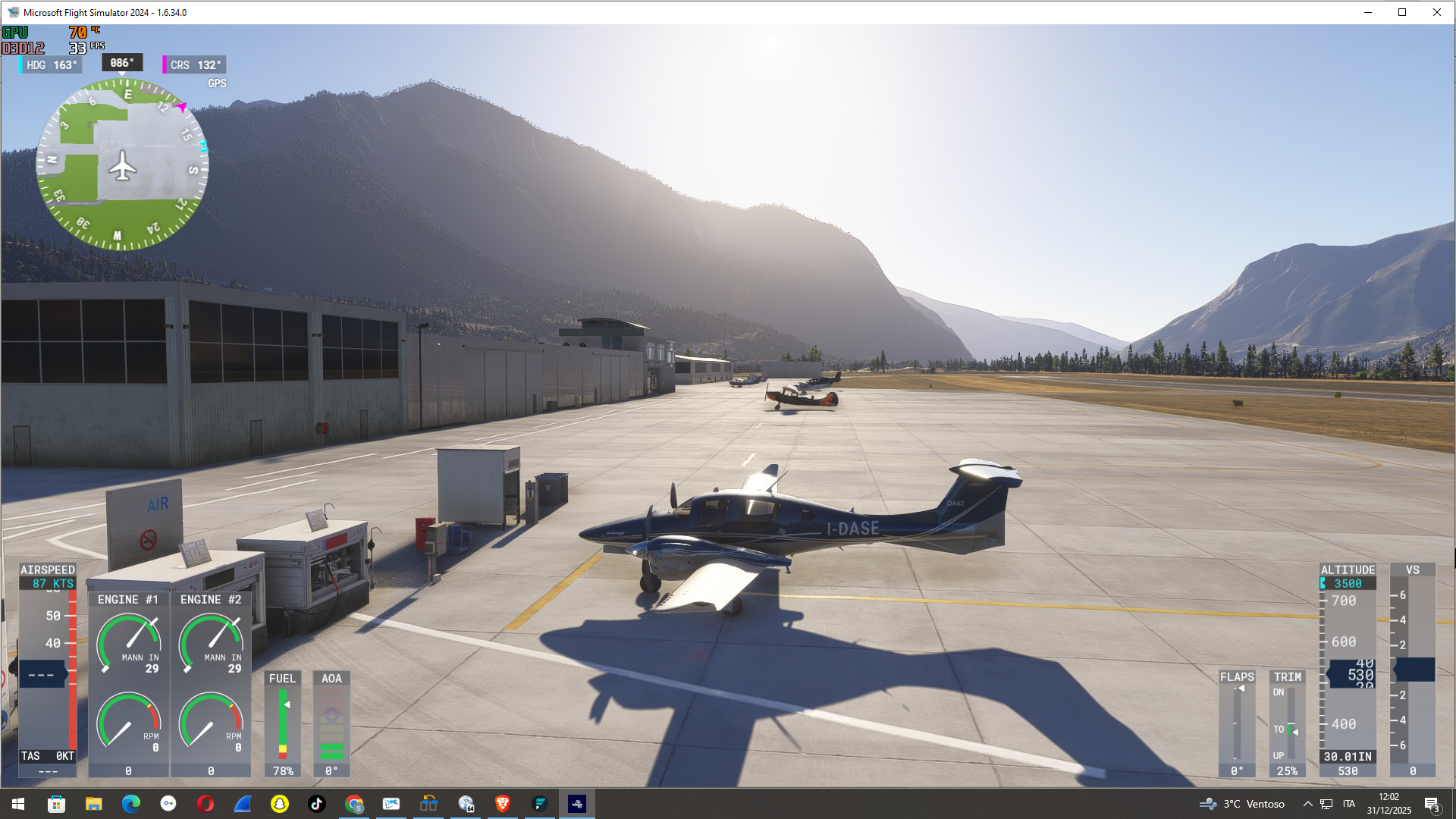
After landing at Mattarello Airport in Trento, I had these problems: the mission wouldn’t let me finish because the AI told me the plane had to be completely on the ground to complete the mission. Here are my screenshots.
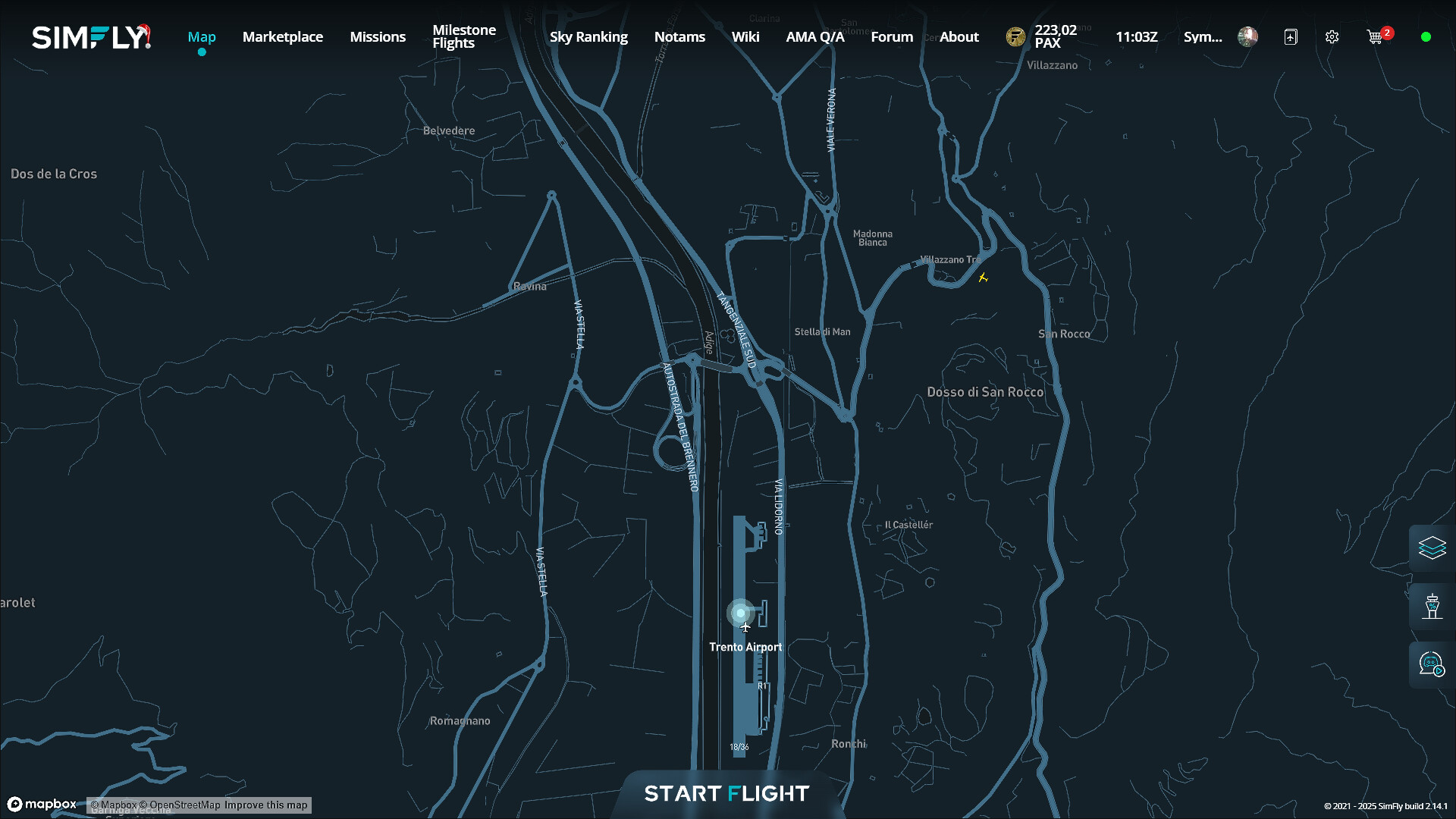
Sorry to ask, but in the second screenshot, the one showing the simfly map, did you take the screenshot while your airplane was in the mission? Because it doesn’t show your plane on the map.
Ps this can happen if the client is not working. In these cases, its useful to exit the client and restart, and also delete the API key and make a new one.
basically what you see in the 2nd photo is the position that the client records me in…that is, he records me in a wrong position and tells me that I’m not on the ground, while in the meantime I’m at the airport with the plane completely on the ground.
Well I’m sorry but in that picture I don’t see your airplane icon. Anyway could have been a temporary issue. Does it work now? The client identifies your plane position on the map when you have the simulator active? And as I said if it happens again try do as I said before.
If you can see it, it’s up at the bend in the way.
ok I will delete the api key and put a new one today I will try the same flight again I will let you know.
This topic was automatically closed after 30 days. New replies are no longer allowed.