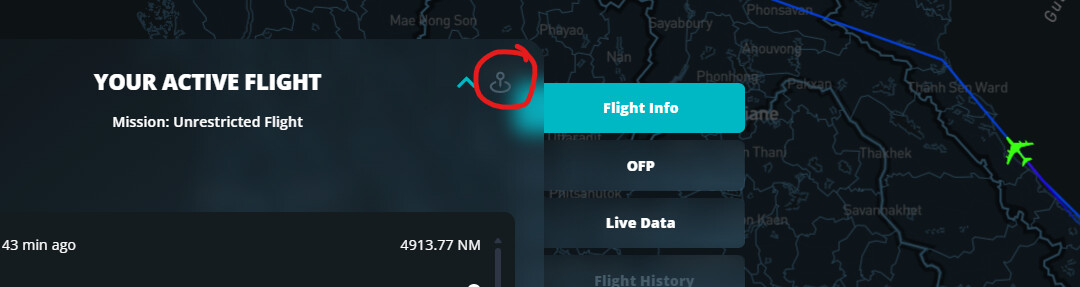
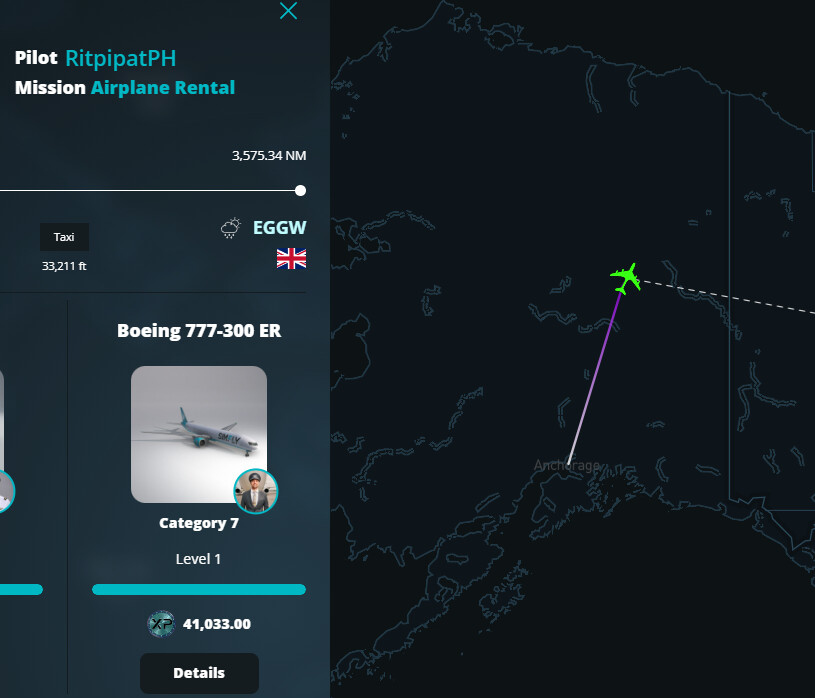
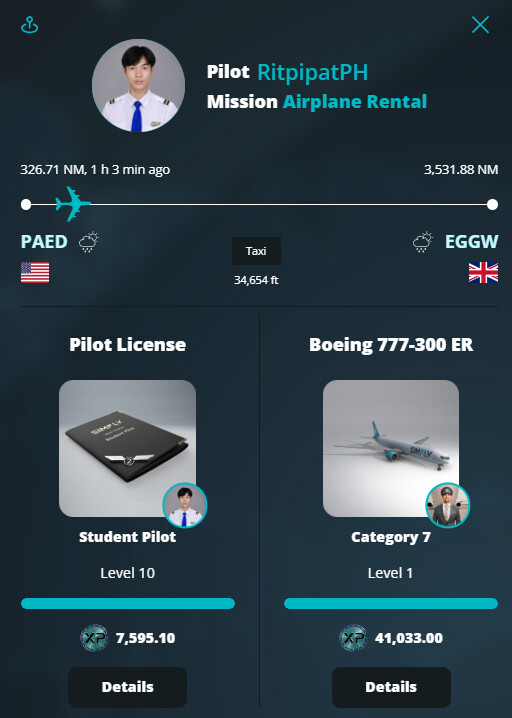
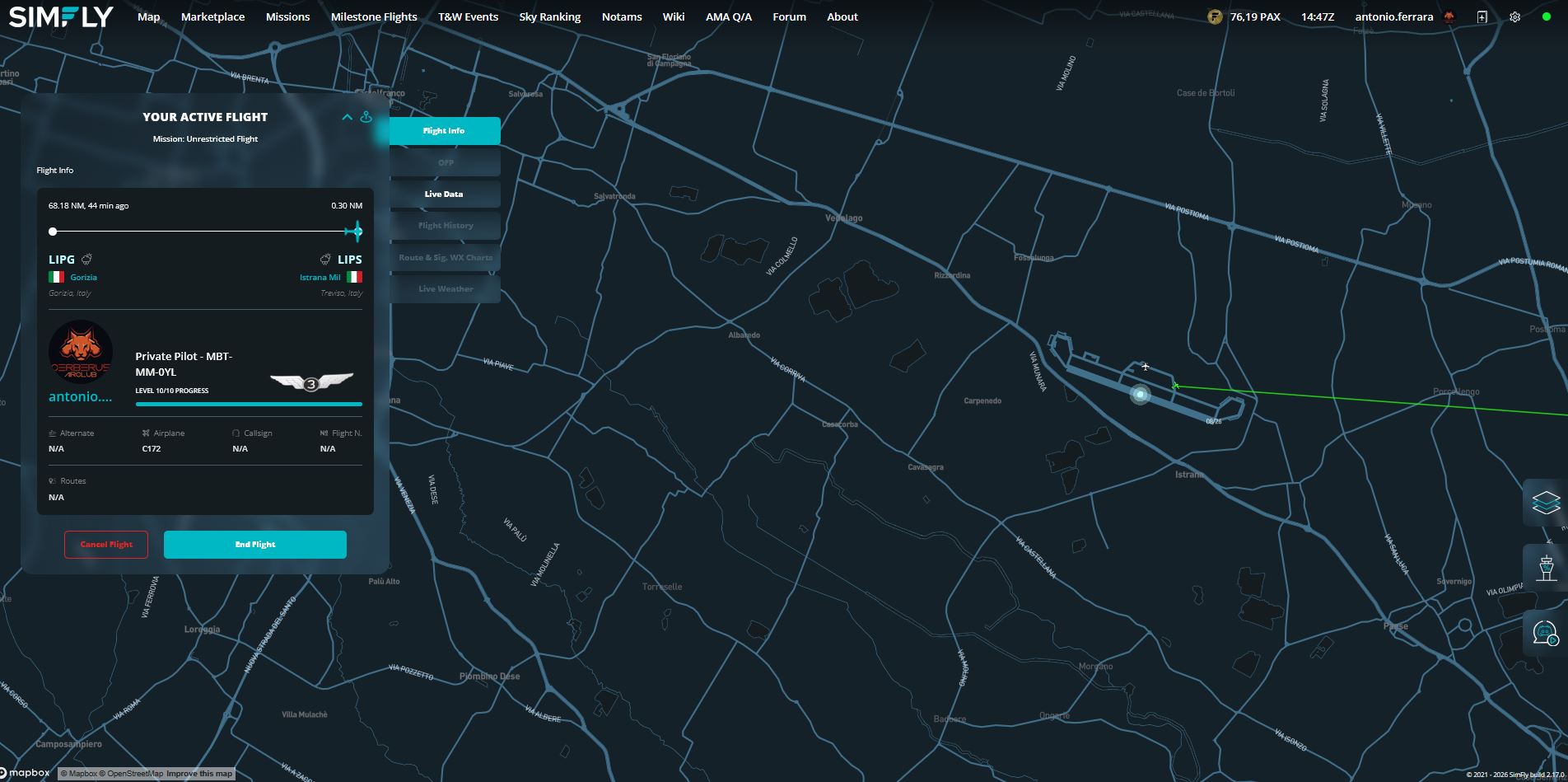
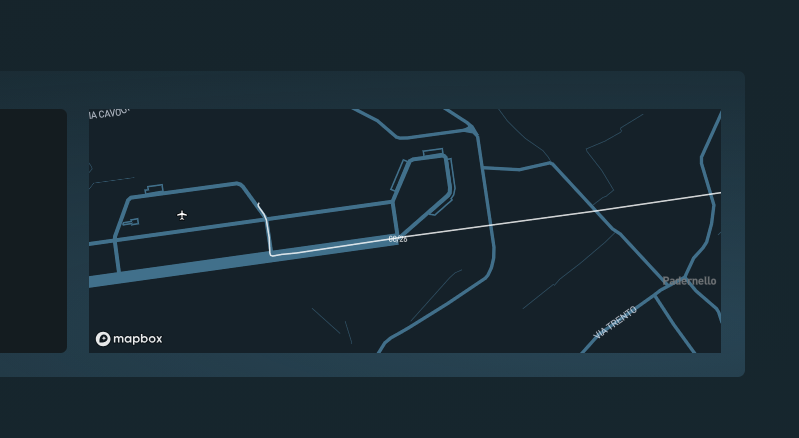
I just landed, before shut down engines appear this error
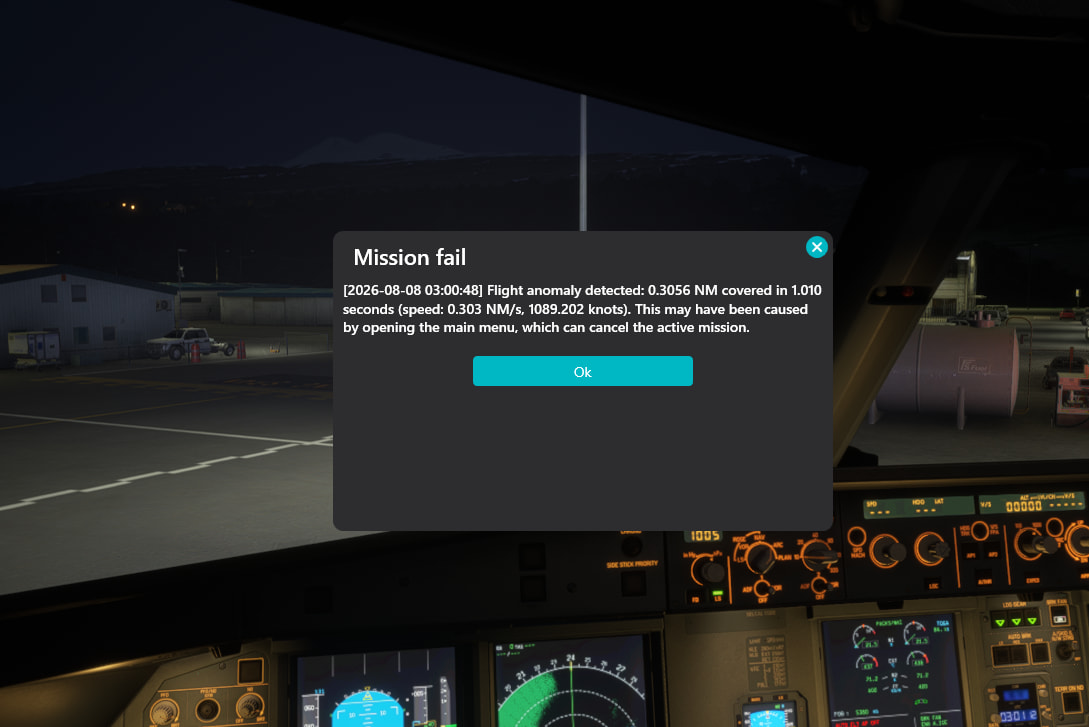
others 2x times was the error that i lost connection, and now this one, and is just fine everything.. And no pax for those issues yet.
I just landed, before shut down engines appear this error
others 2x times was the error that i lost connection, and now this one, and is just fine everything.. And no pax for those issues yet.
Report it - its never good to loose time due to some glitch. Even you dont have a log it can still be investigated on simfly end.
May I ask why on the video of you flight the pop up message didn’t appear? did it happened right after you stopped recording? Do you remember if you eventually hit some other key or button right before the message appeared?
In my case
I havent pushed No button.
I was taxing from runway to gate. As show in the end of video when appear the error(how i stream, i dont stream with my desktop view).
But i already noticed that the website(simfly metrics) doesnt show in real time if we are on another tab(maybe this is the reason for this cancelled mission and network issue)
The flight sim(msfs24) and the app work fine.
A lot of times i needed to go on simfly tab to “update real time”
I think the issue is: i got the mission. I flew until destination and the website wasnt in real time updating( i just check when i take off was everything okay and i havent let the tab open for simfly only). So when i hit the taxi to the gate(pop out the message just minutes to reach the gate), the website thought i “jumped” from destination a to b and the simfly app that was to record the metrics doesnt work 100%, only via website.
And this is the same issue for the other bug “ethernet lost connection” that just recognize via website and not via simfly app even we are connected and following the metrics over app.
what do you mean by:
by the way I never had a “ethernet lost connection” …nor not updated icon on the map of simfly.. I use Firefox
Mate sorry my bad writting english but
" i needed to go on simfly tab to “update real time”..
As i know simfly mission always is on update real time(if isnt please show on print), and about what i mean is that, you take a mission, and you have anothers tab open, you when you back after example 1hour flight without be on simfly tab, you see(delay) that stop the airplane, after back where we are correctly on website
I flew until destination and the website wasnt in real time
As i wrote, when we not on simfly website tab(and we back we see a delay, so isnt updating a real time.
[quote=“gunslinger, post:4, topic:13596”]
i dont know what is this mean.
So when i hit the taxi to the gate. What do you “hit”, a key, a button?
A I SAID! I havent PUSH A BUTTON/KEY.
5-by the way I never had a “ethernet lost connection” …nor not updated icon on the map of simfly.. I use Firefox
-I use Chrome as regular… Before I never had any issue in the last years… but after this last simfly update, me and i saw anothers pilot saying that they have a lot of this issue…
And ferrara, The simfly app is always connected, and no ethernet lost on msfs24 and on app simfly.
So i think is the problem on website simfly tracking and not on app simfly/msfs24
The number 1 & 2 are regularly happen to me, need to refresh the page then the plane is updated to the current position. Lately I click at the “follow”, then it will keep refreshing.
my one is always active on this option metrocat.
So this isnt the issue.
Even when enable this option, and i let on another tabThe airplane freeze on website, and after when i back he goes where i am.
But only when i change the tab.
and the app goes normal.
From what i know, the website page is not fondumental to follow the flight. Doesn’t send anything to the simfly servers, it’s a "receiver " , you can have the site un logged or close the page and just open it to end flight after you land.. I don’t think it matter. The only responsible is the client, that works as a link between the sim and the simfly servers, obviously in conjunction with Simconnect.
yes i thought as well.
But 2x times gave me ``ethernet lost´´ only on website was issue and on app was connected and msfs was fine.
Cause on msfs as well if you lost ethernet stop your flight.
And now this error, so im thinking is something wrong with website that tracks ours flight.
Even though the site might track wrong your flight, he is not responsible to send wrong information.. the site receives only.. so I suppose he is not responsible for not correct info showed.. its just a delay the the sites receives from the client/brain/servers . The ethernet connection lost message , is a bad interpretation of something that client receives.. and not interpreted right. Of course if the ethernet connection lost was real, as you say, you should receive the same message from msfs.
Blockquote the ethernet connection lost was reathe ethernet connection lost was rea
Blockquote
About the ethernet connection lost, was only on website, on msfs and on simfly app was all regular.
You can try for a test to change web browser.. this suggestion was because of what you wrote:
“About the ethernet connection lost, was only on website”. nothing more. 
Browser has nothing to do with client data until you have to close the flight.
I am experiencing often “token not valid” (or something similar) when website actually logs me out - then i have to log in again and close the flight normally.
I strongly suggest to wait for answer from developers (not self proclaimed wannabe developers) that may often mislead person that posts original issue.
Don’t worry I’m not a self wannabe “developer”, and mine is just a suggestion or hint. I stated before that browser is not responsible for what is happening.
PS And by the way, have you wondered why I can read some support post that appear in the forum? Maybe because I have been authorized by staff, I gave and give a hand when possible to the team. I also do some flight test with them prior putting the client online. So don’t worry I wont harm anyone. 
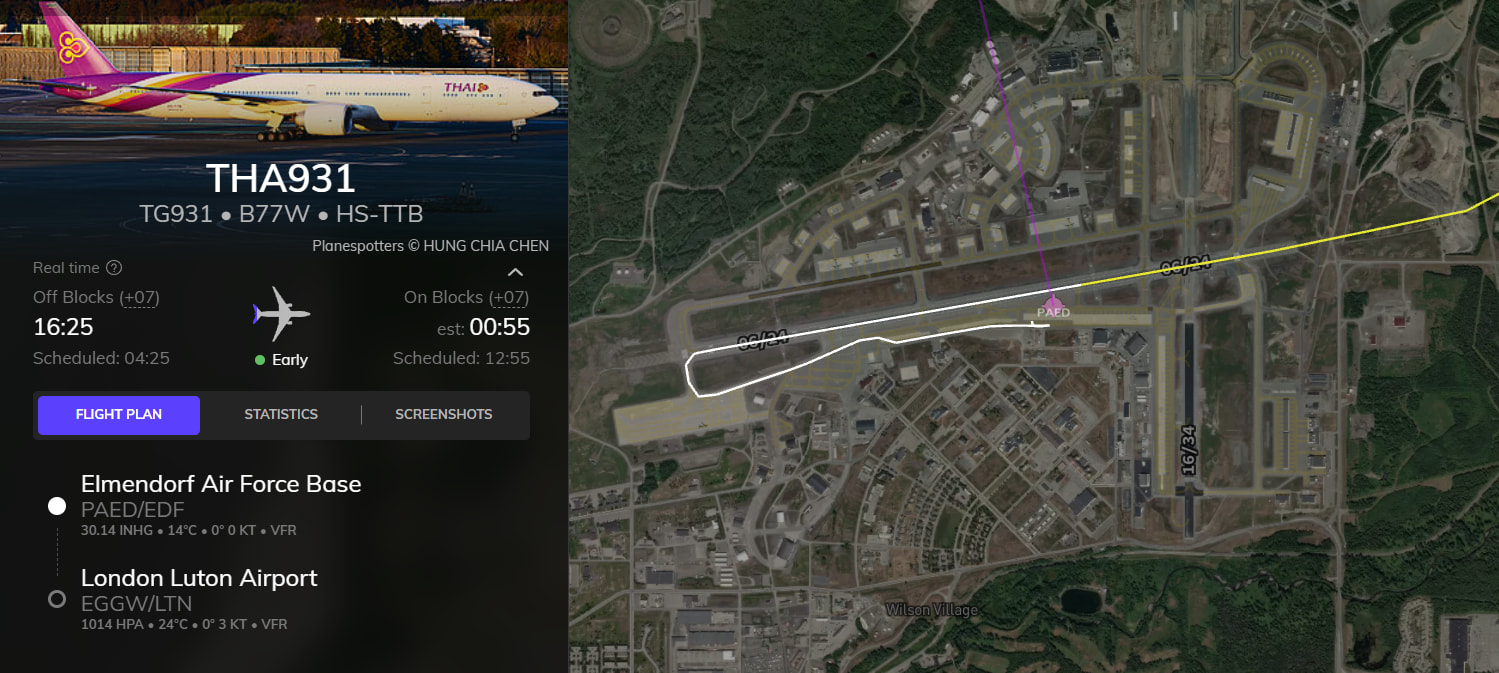
What could be possibly go wrong with this one? I saw the plane is already took off but the status is still in “taxi”. Besides, comparing with Volanta’s path, the aircraft proceeded thru to taxi and took off normally.
did something go wrong? I also have sometime a not really updated map course, but at the end everything works fine. this is after I landed and didn’t show the correct path (runway , taxi and etc)
but the log it did correctly
Yes, We all have that, just need to refresh the page to see it well displayed.
But this is not the problem here.
Was just a possible error event about website/app… that why i posted about the bugs.
Now I hope the DEVS check out the issues that is happening with some pilots where is the issue.
If for others pilots who is working 100% well, i and few others pilots are the 1-5% that happen the issue.
Cause still on xbox pc, i cant fly the a21neo, and the staffs already said 2 updates version would fix it, and that is the other issue. Cause ex: i dont have the steam msfs that can change the log… still waiting.
So have a lot bugs.
-A21neo doesnt work
-Ethernet lost connection with app and msfs working regular
-this Jump set after 3 hours flying and making issue…
And few others bug…
But now is on DEVS hands.
yep. it’s on the dev team to check out the logs and that specific flight on 8th of august.. time is correct? 03:00:48 in the morning?
By the way I suppose you have already re installed the simfly client from scratch (deleting the folder just in case) delete the simfly folder from
C:\Users\user\AppData\Local\SimFlyClient\
re install the latest client